Add your first object
An object is one row of data — one car, one contract, one publication. It lives inside a register and conforms to one of the schemas you attached. This tutorial creates a single object end-to-end.
Goal
By the end you will have one object stored in your register, visible in both the global Objects list and in the register's own Objects tab.
Prerequisites
- A register with at least one schema attached (see Create and attach a schema).
- Write permission on the register — the creator has it by default; other users need an entry in the permissions setup.
Steps
-
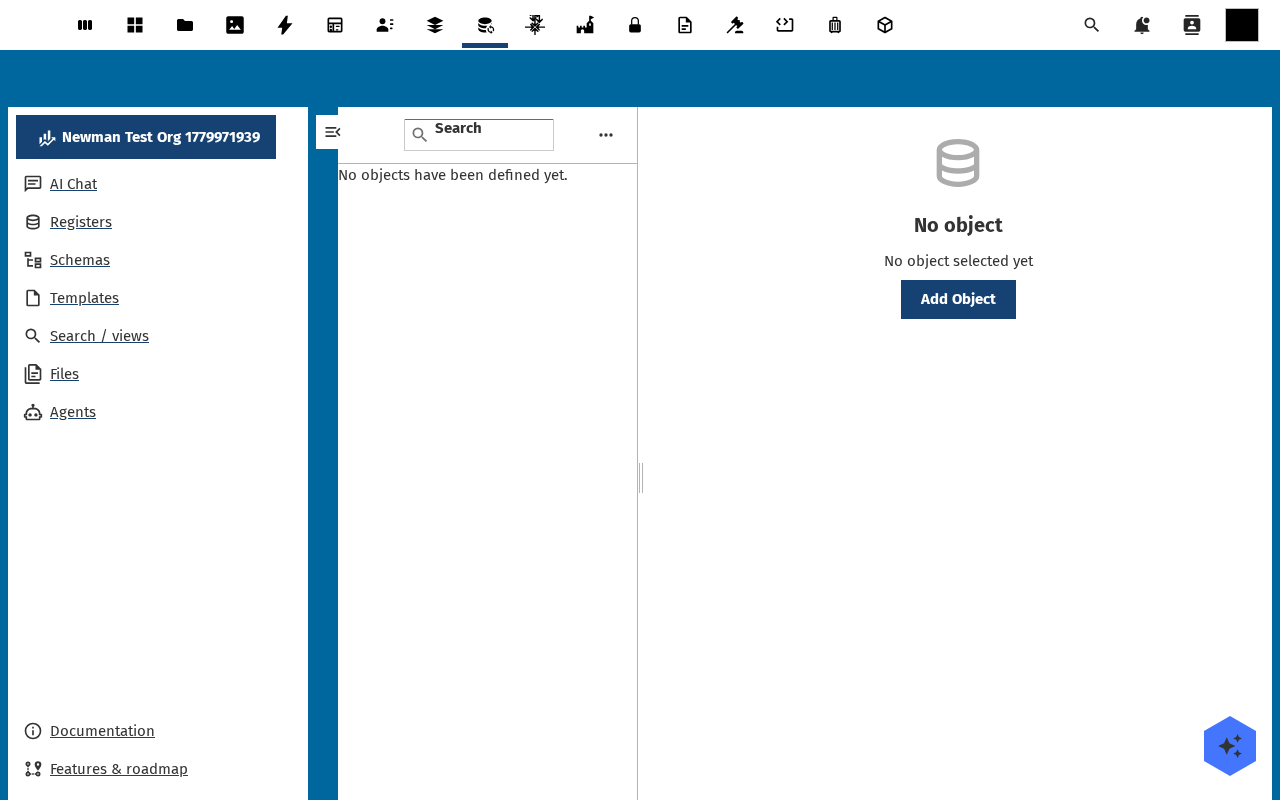
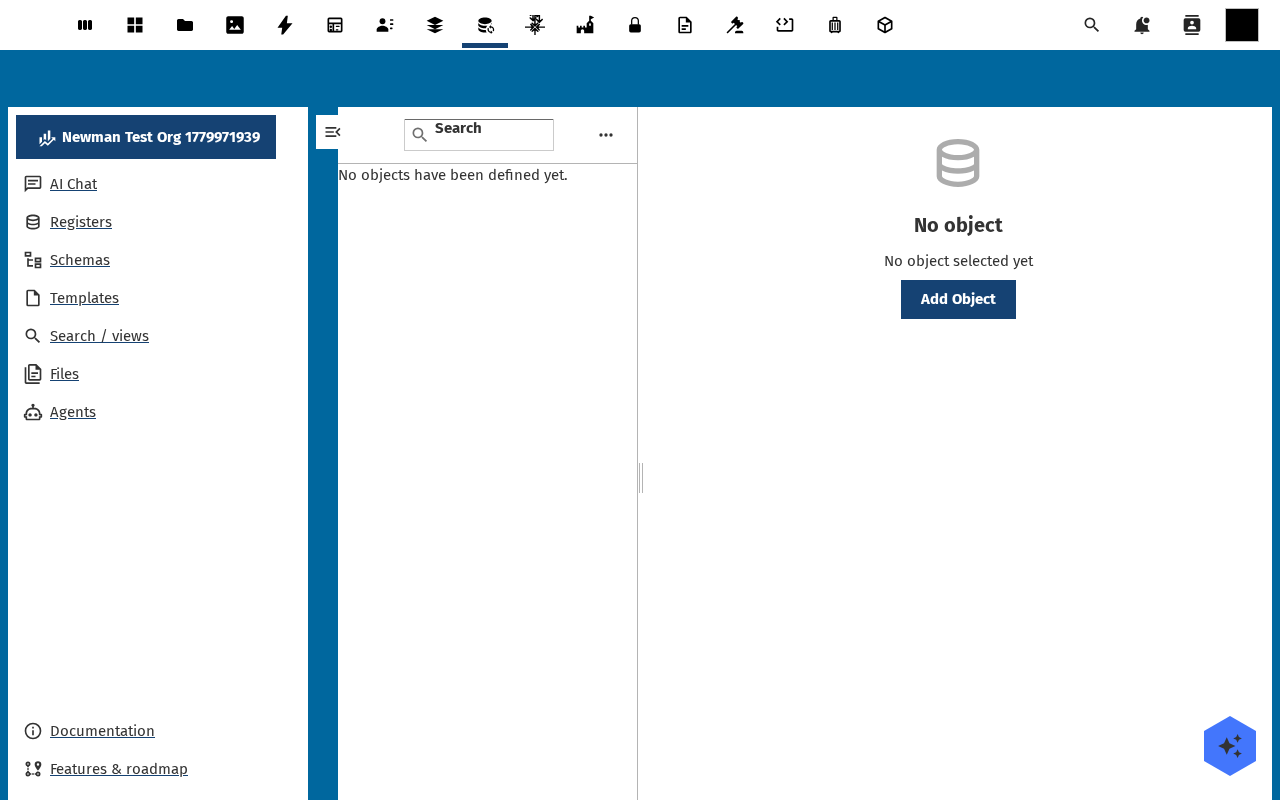
Open the register from the Registers list and switch to the Objects tab. The tab shows the objects of every schema attached to the register (or No objects on an empty one). Click Add Object. A schema picker opens if the register has more than one schema attached — pick the schema you want.
-
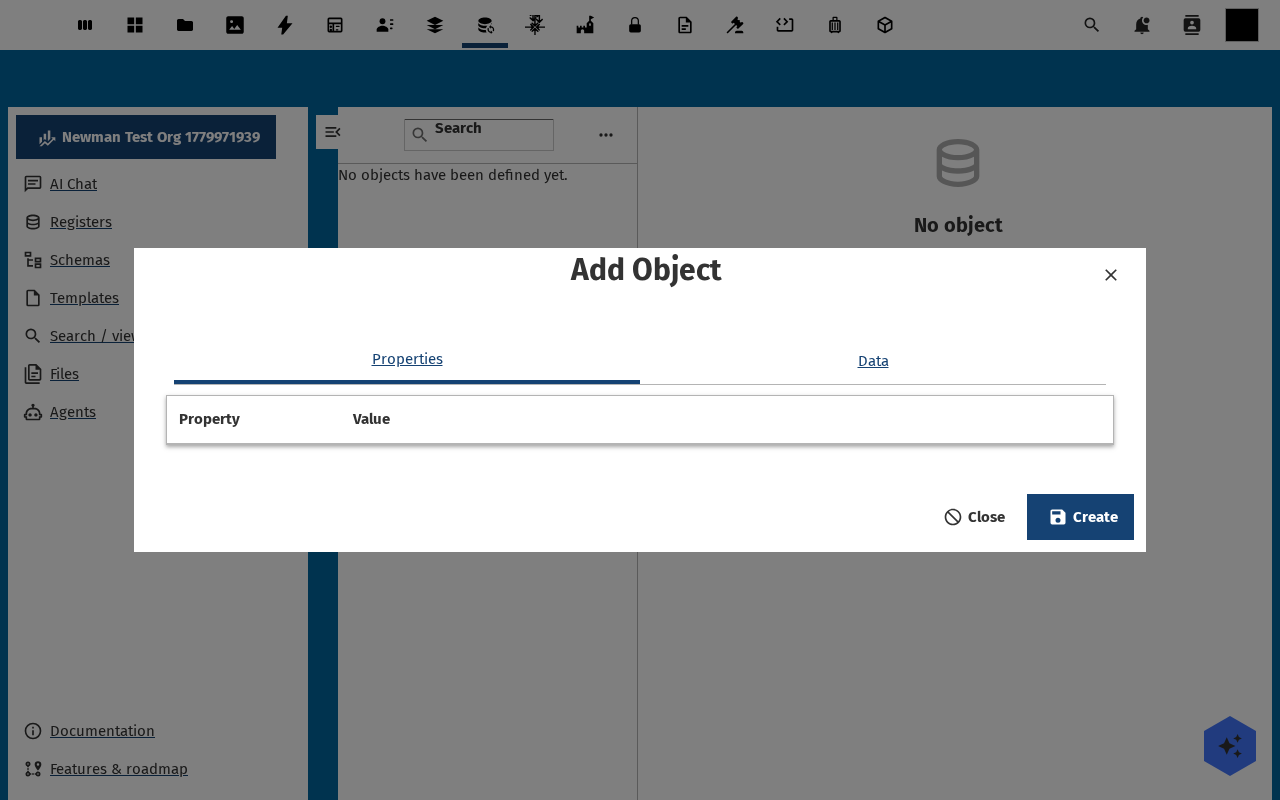
The create dialog renders a form generated straight from the schema. Each property becomes one field, typed correctly — strings get a text input, dates get a date picker, enums get a dropdown, booleans get a checkbox. Required fields are marked.
-
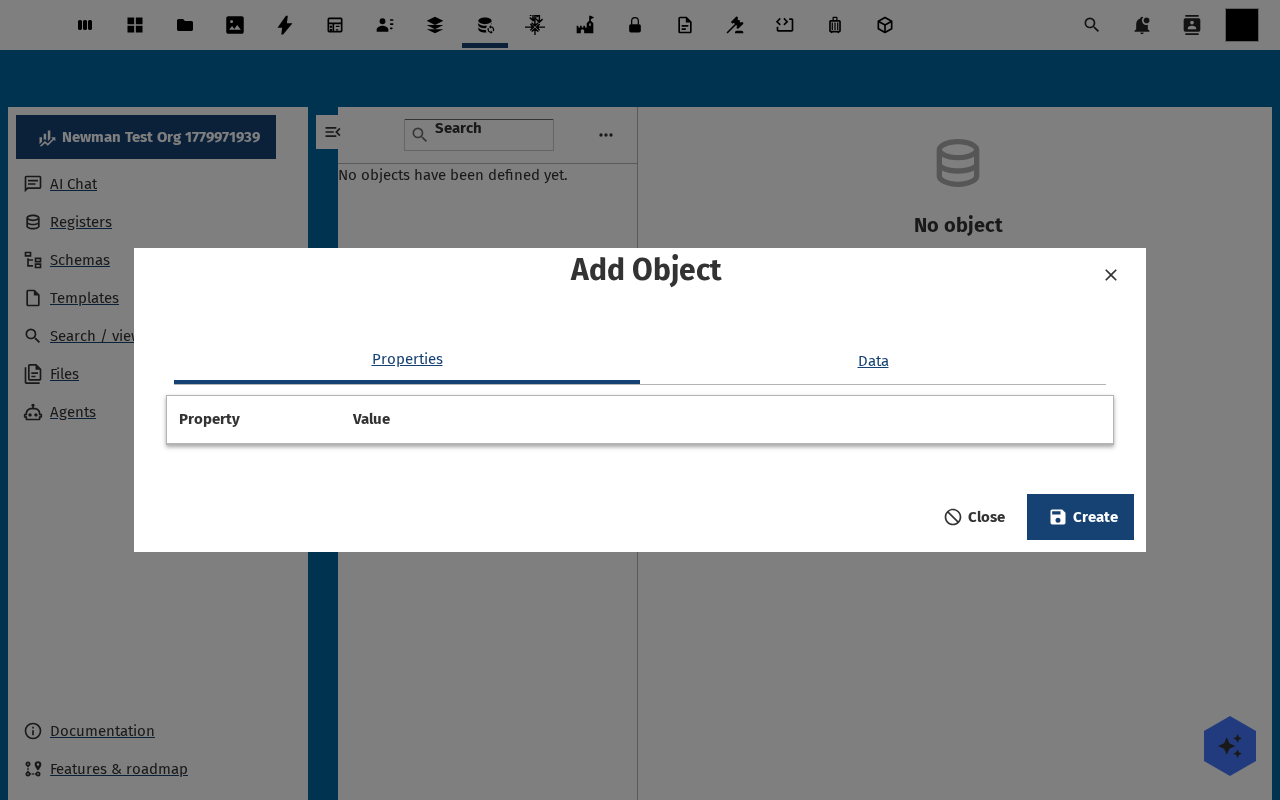
Fill the form in. For the schema from the previous step that's title (required), description, status (pick draft), date (today). Click Save.
-
The dialog closes and the object detail page opens. The sidebar carries Overview, Properties, Files, Comments, Audit Trails, Related and Source tabs — each one is empty for now except Properties (your data) and Audit Trails (a
createentry).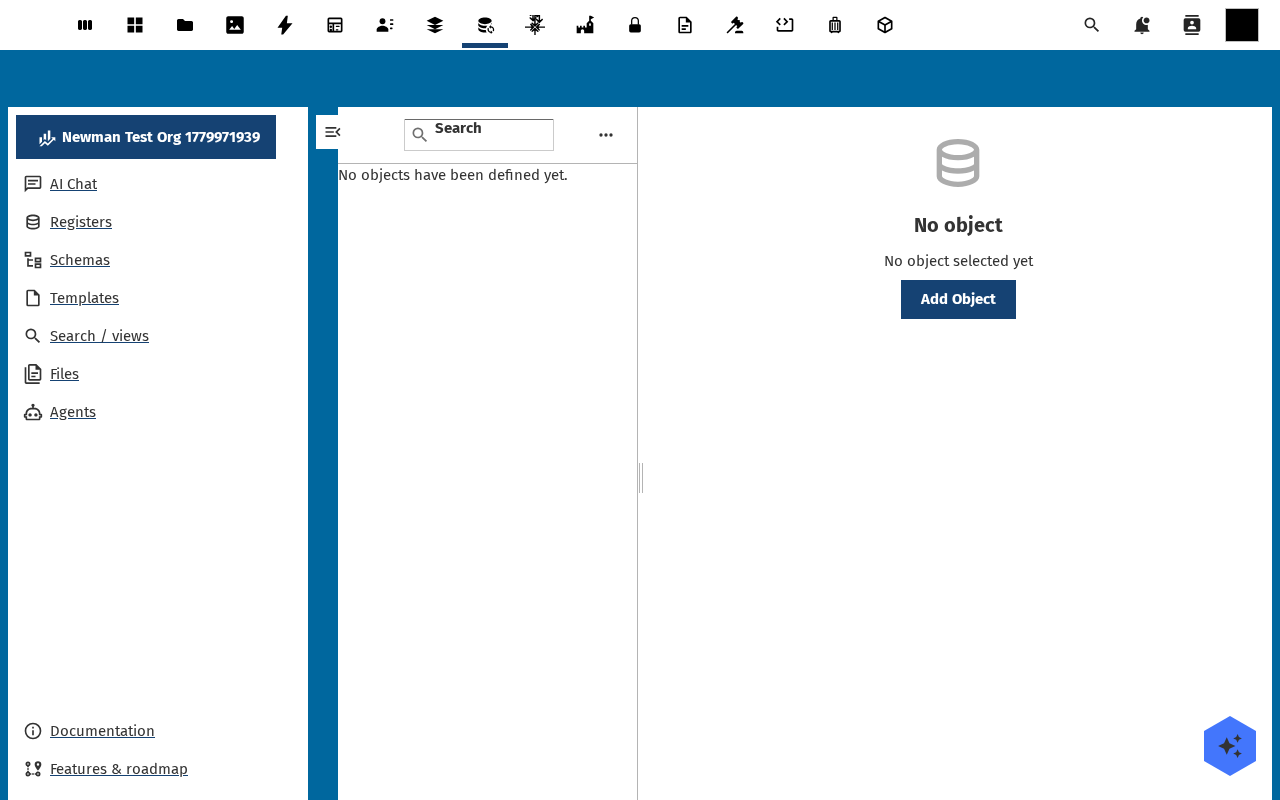
-
Go back to the register's Objects tab. Your new object appears as one row, with the schema title rendered as a chip, the status enum value, and a timestamp. The global Objects view in the left nav also shows it.
Verification
The object appears in the register's Objects tab and the global Objects view, the Properties tab shows the values you typed, the Audit Trails tab has a create entry timestamped now, and the register's object counter in the statistics sidebar goes up by one.
Common issues
| Symptom | Fix |
|---|---|
| Add Object is disabled | The register has no schema attached — see Create and attach a schema. |
| Form opens but every field shows "unknown type" | The attached schema's Source tab has invalid JSON Schema — fix it before adding objects. |
| Save fails with "validation failed: property X" | The value you typed doesn't match the schema rule for that property (required-but-empty, wrong enum value, regex mismatch). The error message names the offending property. |
| Object disappears after a refresh | You did not have write rights on the register — the dialog let you fill the form but the save was rejected. Check the RBAC setup. |
Reference
- Find an object with search and filters — next step.
- Object storage feature reference — how Open Register stores objects internally.
- Object interactions feature reference — relations, tags, links between objects.