Sync data from external sources
Open Register can keep a register in sync with an external system — another OR instance, a REST API, an FTP feed, or a database — through data sources. Each source has a connector, a target register / schema, a mapping, and a schedule. This tutorial walks through one source end-to-end.
Goal
By the end you will have one configured data source, one successful sync run, and objects from the source visible in the target register.
Prerequisites
- Admin rights on Open Register (you need the register-admin role or Nextcloud admin).
- A target register and at least one schema attached (see Create and attach a schema).
- The external source's connection details — base URL, credentials, the endpoint or table that returns the rows you want.
Steps
-
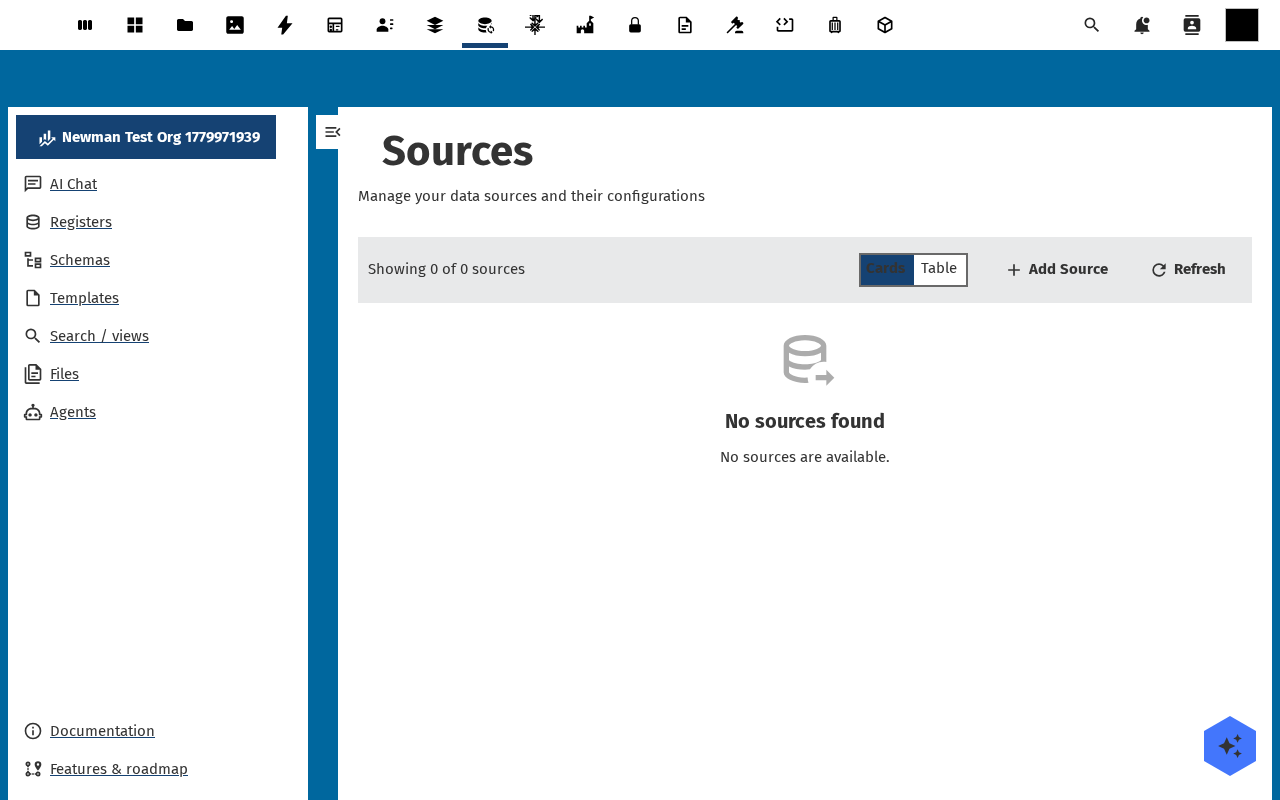
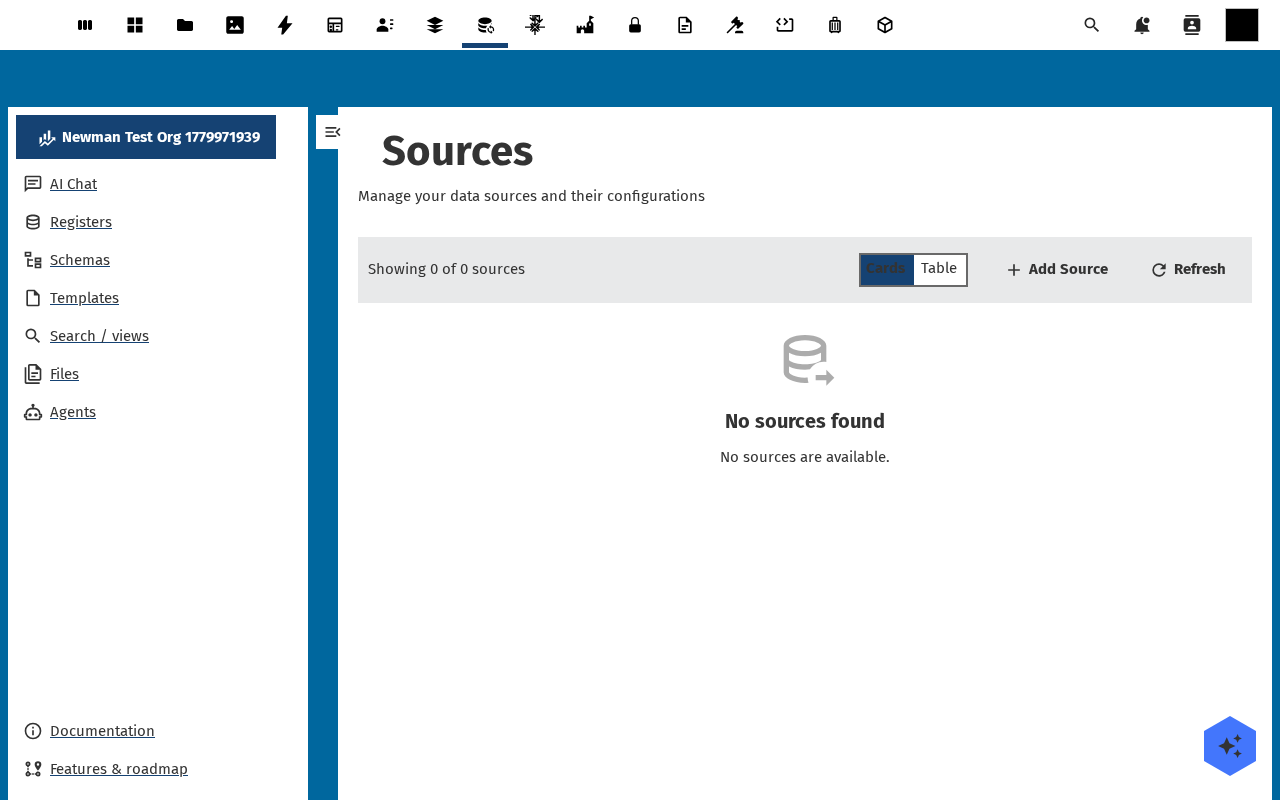
Open Data sources in the navigation. The list shows existing sources with their status (active / disabled / error), last sync timestamp, and target register. Click Add Source.
-
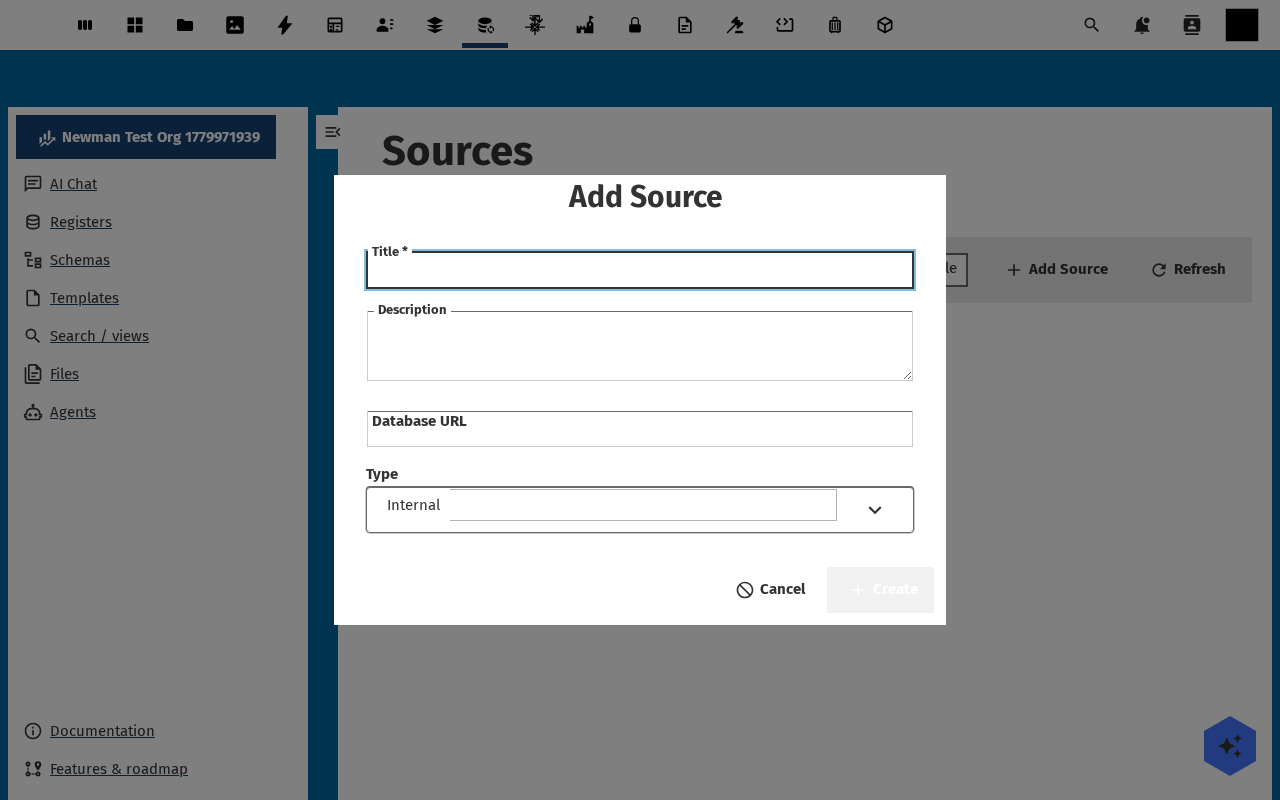
Pick a connector type — REST API, OR instance, FTP / SFTP, Database, Excel file, Custom. Fill in the connection fields (URL, credentials, encoding). Open Register validates the connection straight away — Test connection in the toolbar reports OK or surfaces the protocol-level error.
-
Switch to the Mapping tab. The mapping picks the target register, the target schema, an optional filter (only sync rows that match), an optional key (which source field identifies a row — used for update vs create), and the field map between source columns and schema properties.
-
Switch to the Schedule tab. Pick manual, every N minutes, hourly, daily, or a cron expression. For a first run leave it on manual — you trigger the first sync by hand so the failure modes are loud. Save the source.
-
From the source detail page, click Run now. The toolbar reports Running…, then Done — N created, N updated, N errors. Open the target register's Objects tab — the synced rows are there, each one tagged with the source on its detail page.
Verification
The source row in Data sources shows status active and a recent last sync timestamp; the target register has the expected number of new / updated objects; each synced object's Audit Trails tab lists the source as the trigger; re-running the sync produces 0 changes when nothing on the source side has moved.
Common issues
| Symptom | Fix |
|---|---|
| Connection test fails with TLS / cert error | The connector verifies certificates by default — install the CA chain on the Nextcloud server, or set the source to Skip TLS verification (only on trusted networks). |
| Sync reports "0 errors" but no objects appear | The mapping's target schema doesn't match the source rows — re-check the Mapping tab and add at least one required property. |
| Every run creates duplicates | The mapping has no key field set — Open Register can't tell update from create. Set the key to whichever source field is unique. |
| Scheduled sync stops running | The Nextcloud cron is not active — php occ background:cron or systemd timer needs to be running every 5 min. |
Reference
- Sources feature reference — full list of connector types and tuning knobs.
- Manage admin settings — instance-wide source defaults and queue config.
- Webhooks feature reference — push from OR to other systems (the inverse of a source).