Manage admin settings
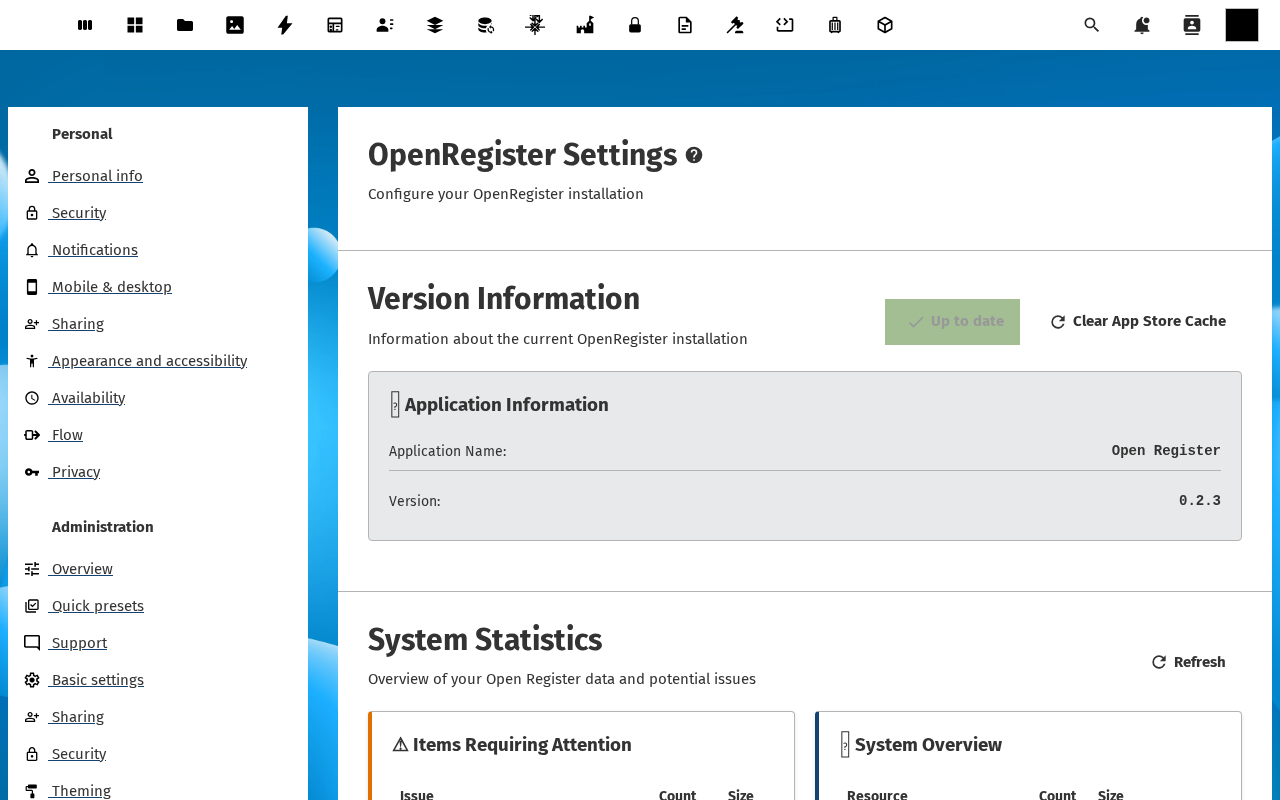
Instance-wide options — search backend, file extraction, audit retention, default permissions, feature toggles — live on the standard Nextcloud Administration settings → Open Register page. This tutorial walks through the page and points at the knobs you'll usually want to touch.
Goal
By the end you will have opened the admin settings page, read what every section does, and changed at least one setting (the search backend) end-to-end.
Prerequisites
- Nextcloud admin rights — the page is hidden for non-admins.
- A running Open Register instance with at least one register so the search-backend toggle has data to re-index against.
Steps
-
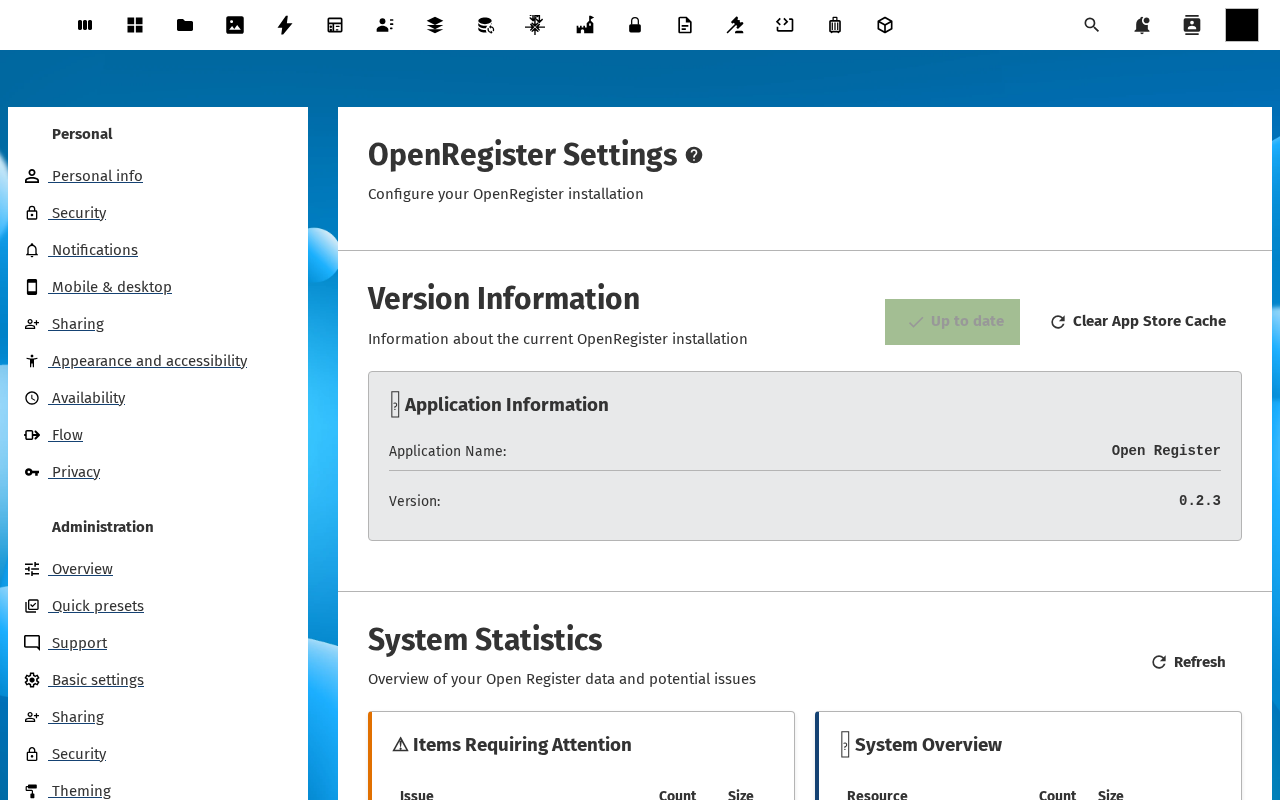
Click your avatar in the top right of Nextcloud and pick Administration settings. In the left menu, scroll down to Open Register under the Administration section.
-
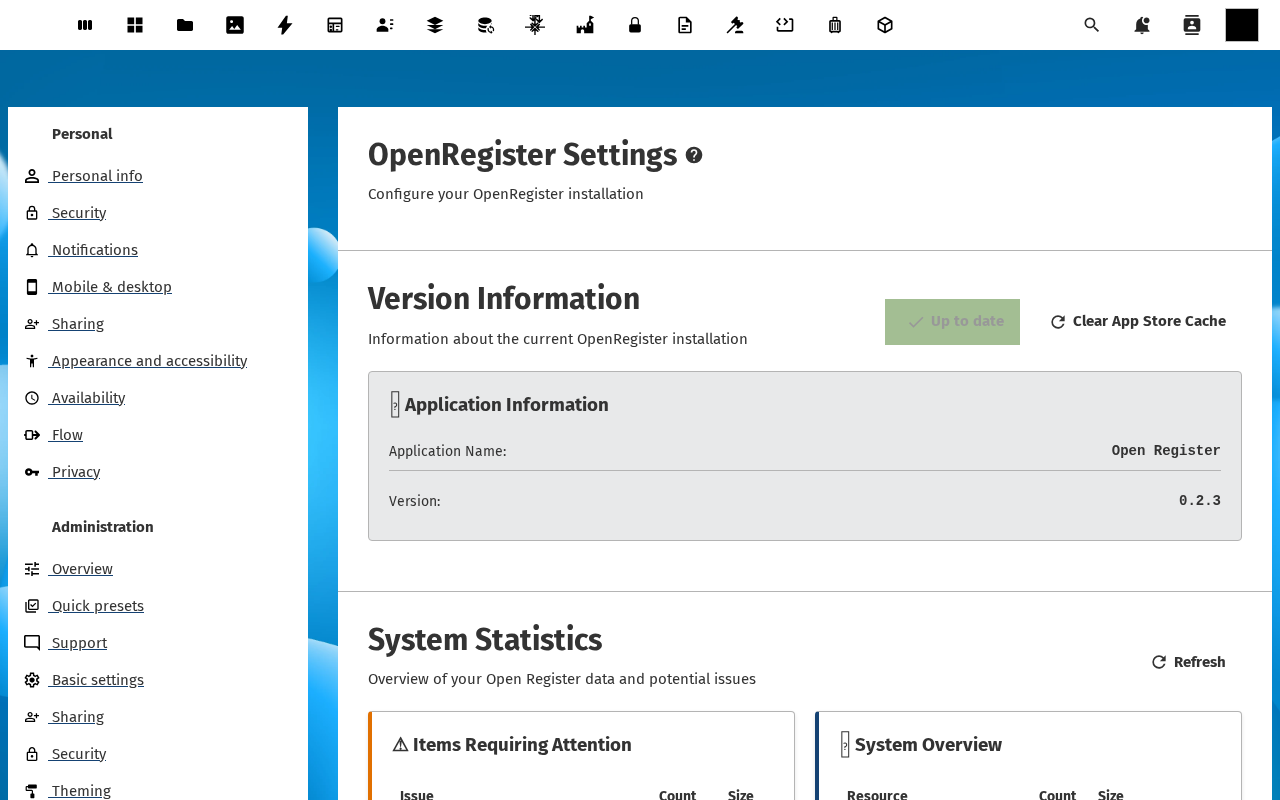
The page is split into sections — General, Search, Files, Audit, Defaults, Federation, Feature flags. The top General block carries the instance ID, the install date, and the version of every component (server, php, app, registers loaded).
-
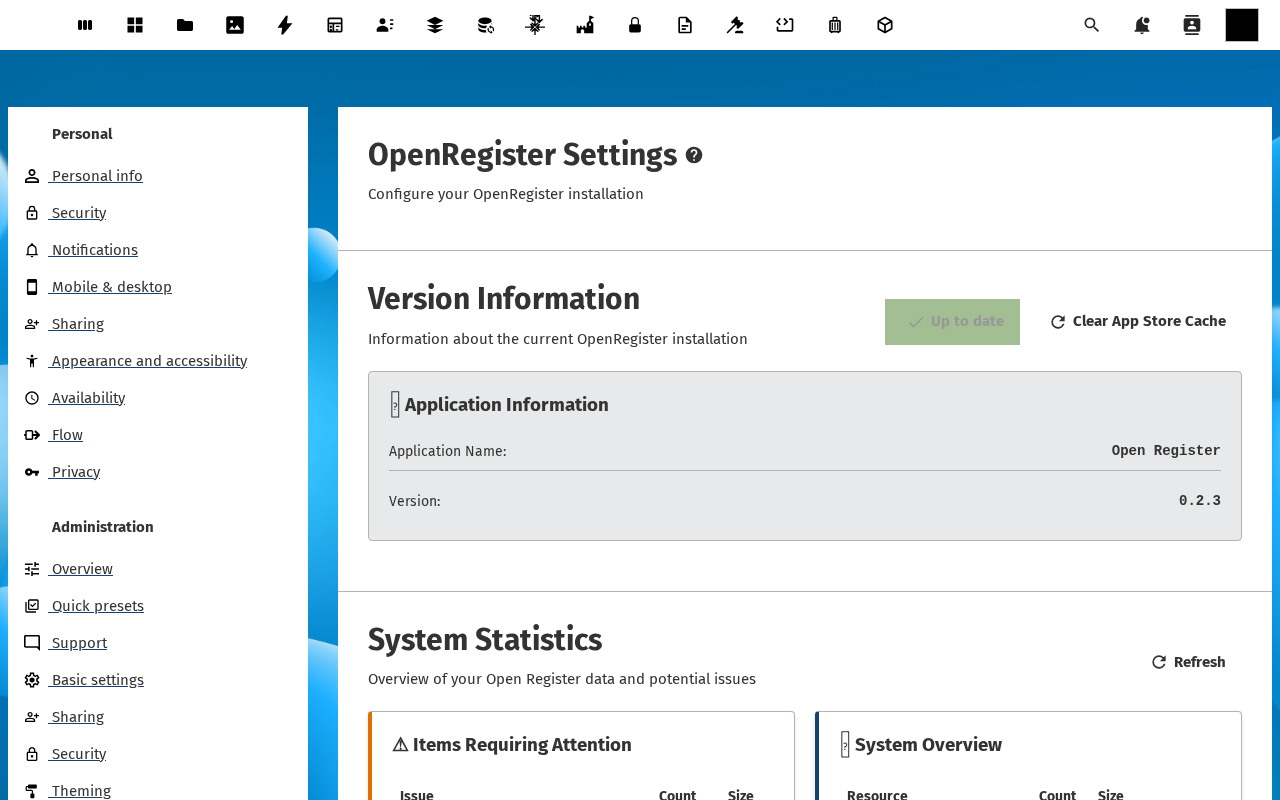
Scroll to Search. Pick the backend — Magic tables (default, no extra infrastructure) or Solr (a Solr URL plus a core name). After changing the backend, click Re-index now — every searchable property gets re-indexed against the new backend. Watch the progress in the toolbar.
-
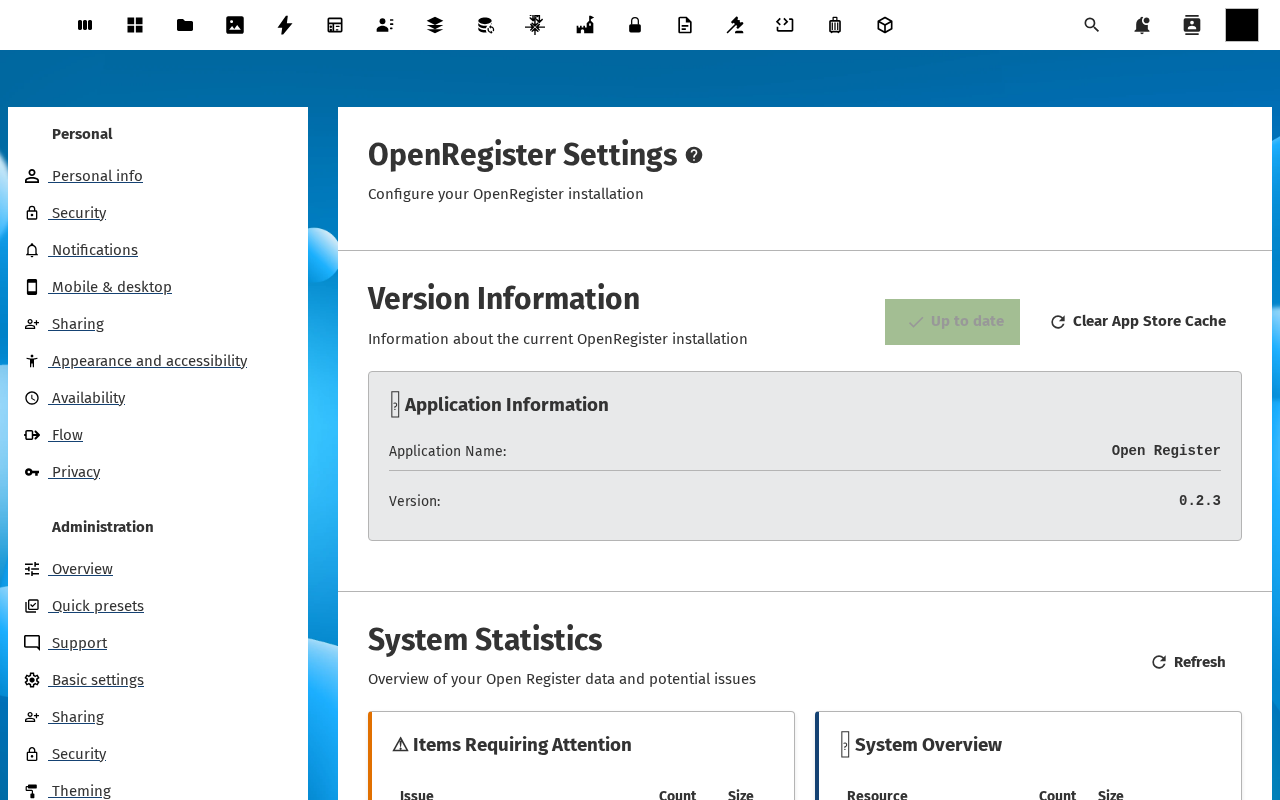
Scroll to Files and Audit. Files configures text extraction (Tika / OCR), thumbnail generation, and the per-object file quota. Audit sets retention (how long entries stick around) and toggles soft-delete behaviour. Pick safe defaults — 90 days retention, soft-delete on — for a first run.
-
Scroll to Defaults and Feature flags. Defaults pick the default visibility and default role for newly created registers (overridable per register). Feature flags toggles experimental surfaces — AI Chat, semantic search, federation, the AVG / Verwerkingsregister view — so you only enable what you want users to see.
Verification
The admin settings page renders without errors, every section header is collapsible, the version banner in General matches the version your occ reports, the Re-index now action completes with a green Done toast, and the search bar in the Open Register app returns the same results after the re-index (with the new backend doing the work).
Common issues
| Symptom | Fix |
|---|---|
| Open Register entry missing from the admin menu | The app is not registered as an admin settings provider — re-install (occ app:install openregister --force) and reload the page. |
| Solr connection fails | The Solr URL is unreachable from the Nextcloud server — curl it from the server shell, fix the network, then retry the re-index. |
| Re-index runs but search returns nothing | The Solr core isn't configured for the OR schema — check the Solr core's schema.xml against the OR template documented in Search feature reference. |
| Audit retention setting ignored | Retention is enforced by a background cron job — make sure Nextcloud cron is active (php occ background:cron). |
Reference
- Set up roles and permissions — the per-register version of the Defaults block.
- Sync data from external sources — instance-wide source defaults live here.
- Configurations feature reference — exporting / importing the entire settings page as JSON for IaC-style provisioning.
- Search feature reference — Solr template, indexed property types, query syntax.