Open the Register app for the first time
A first look at Open Register — where the app lives, what the navigation gives you, and how to tell it is wired up correctly.
Goal
By the end you will have opened the Register app, recognised the dashboard and the left-hand navigation, and confirmed that the Registers and Schemas views load with data.
Prerequisites
- A Nextcloud account on an instance where the Open Register app is installed and enabled.
- A browser pointed at the Nextcloud instance. The screenshots assume the default desktop viewport.
Steps
-
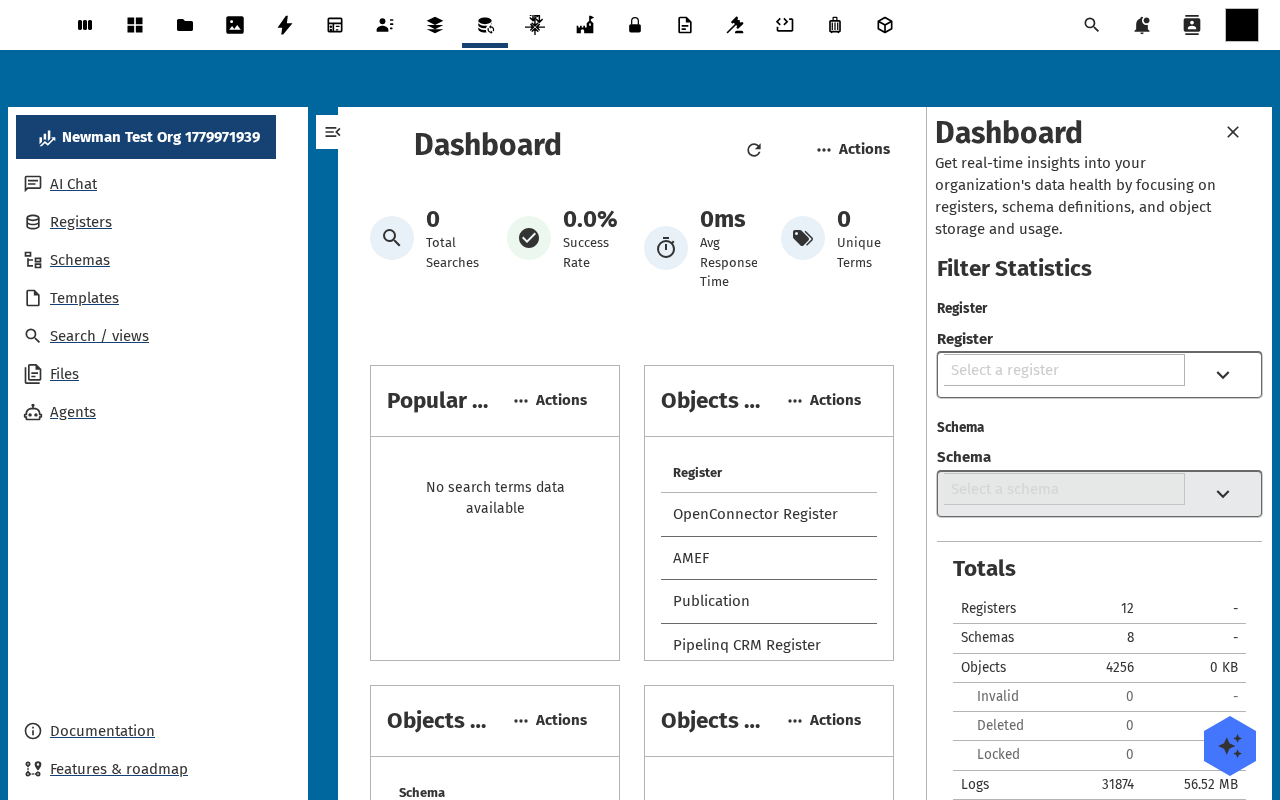
Open the Nextcloud app menu in the top bar and pick Register. You land on the Open Register dashboard.
-
The dashboard shows the high-level counters — total registers, schemas, objects, audit-trail entries — and a few recent-activity tiles. On a fresh install they read
0; on a populated instance they update as work moves through the app.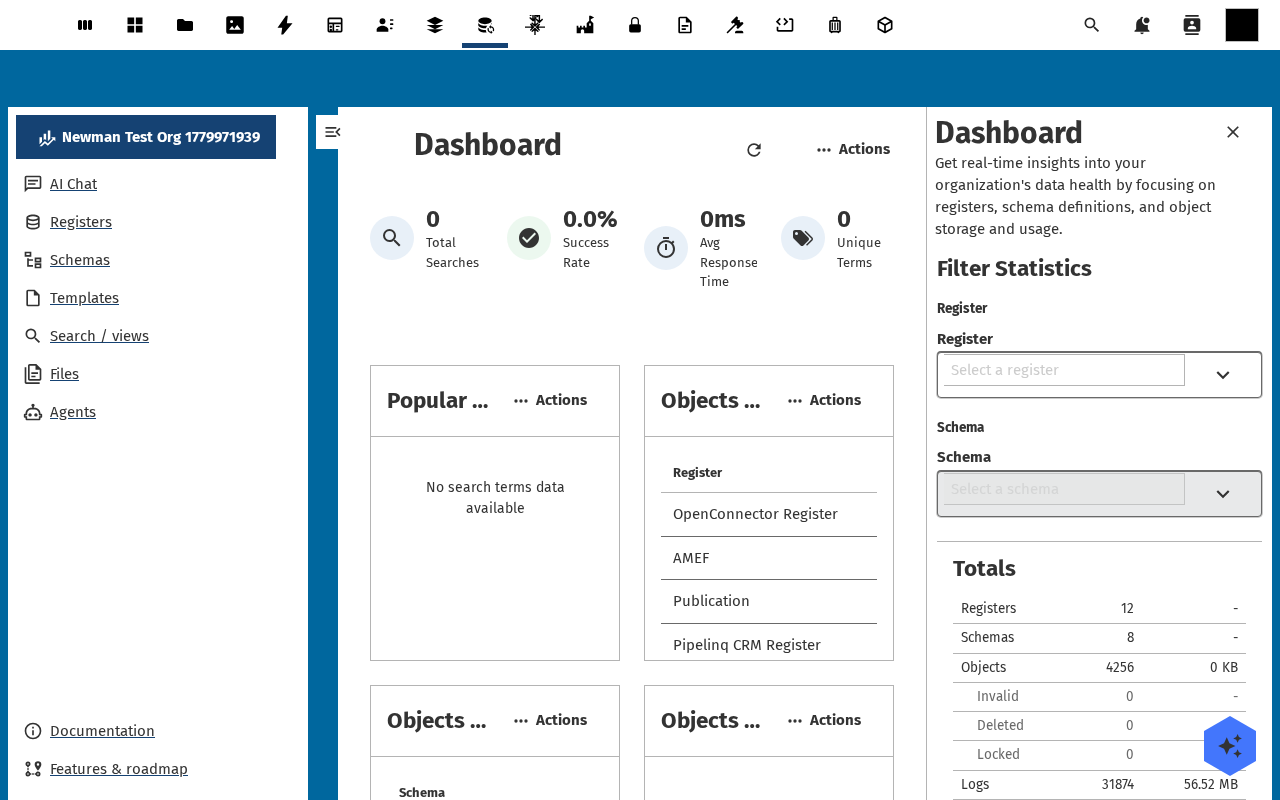
-
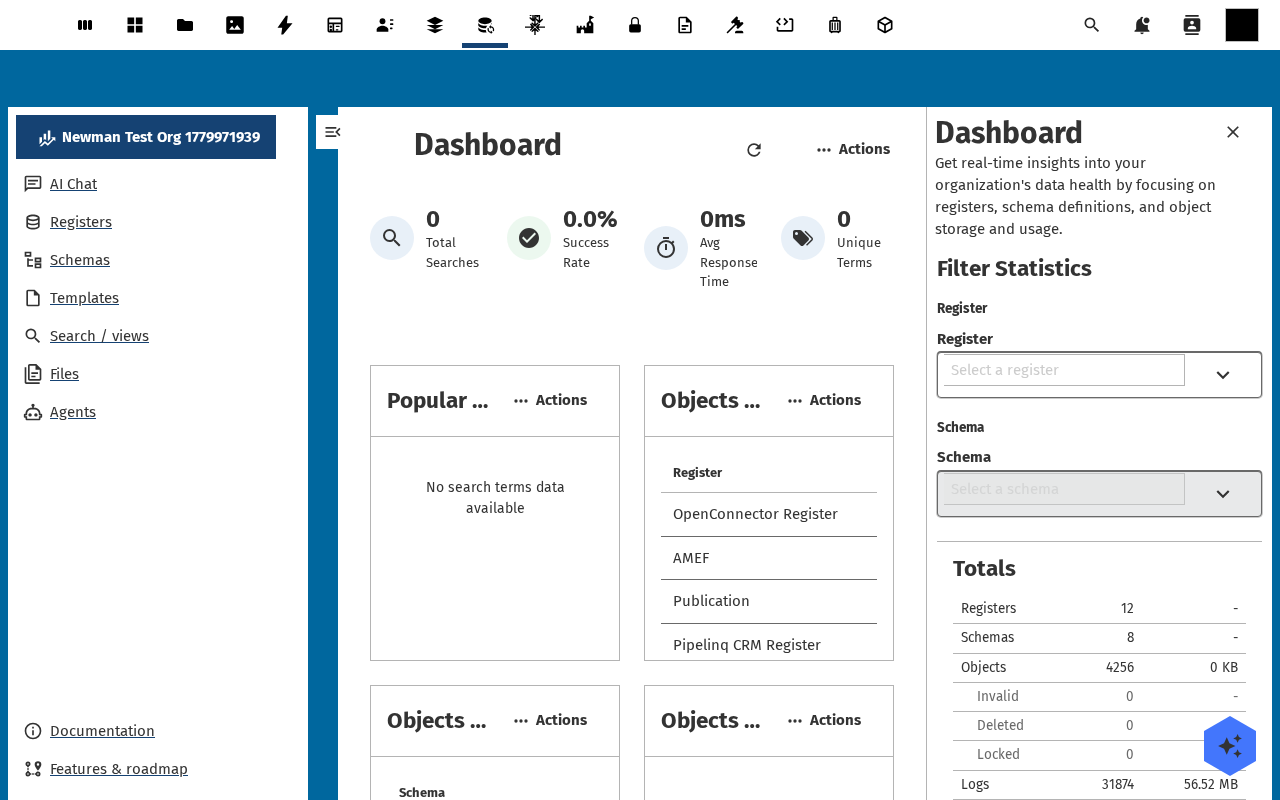
Open the left-hand navigation. The entries map one-to-one onto the things Open Register tracks: AI Chat, Registers, Schemas, Templates, Search / Views, Files, Agents, plus the admin section with Organisations, Applications, Data sources, Configurations, Entities, Deleted, Audit Trails, Search Trails, Webhooks, AVG / Verwerkingsregister, Reports, Endpoints, and Settings.
-
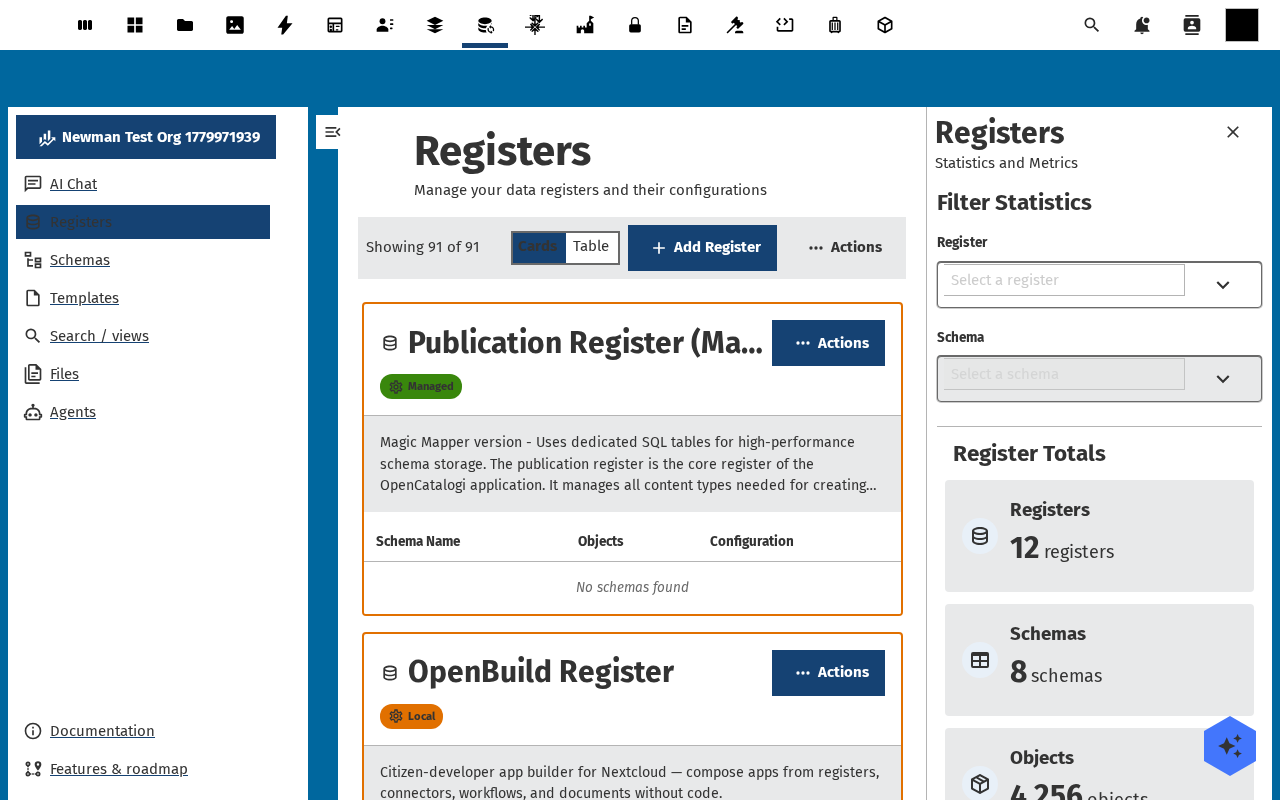
Click Registers. The list opens with a Cards / Table toggle, an Add Register button, an Actions dropdown for imports, and a statistics sidebar on the right showing register/schema/object totals. An empty install shows No registers found — expected until someone creates the first register.
Verification
You are set up correctly when: the Open Register dashboard renders without an error banner, the left navigation lists the entries above, and clicking through to Registers shows either rows or a clean No registers found state — not a load error.
Common issues
| Symptom | Fix |
|---|---|
| Register is missing from the app menu | The app is not enabled for your account — ask an administrator to enable it (and check it is not restricted to a group you are not in). |
Dashboard loads but every counter shows 0 and the lists are empty | Expected on a fresh install — no work blocking. Move on to Create your first register. |
| "Failed to load registers" banner on the Registers page | The database tables are missing — ask an admin to re-run the app install (occ app:install openregister --force) or check the server log for migration errors. |
Reference
- Create your first register — the next step.
- Open Register features overview — what the app can do at a glance.
- Set up roles and permissions — for whoever runs the instance.